
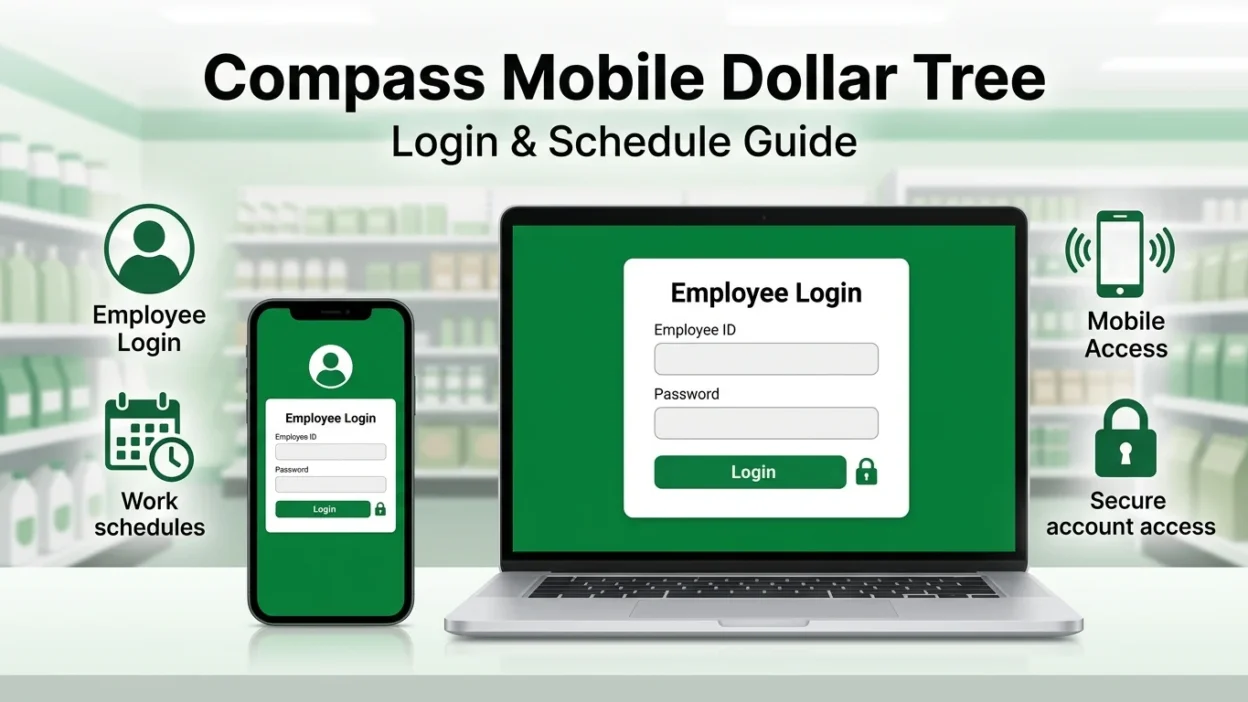
If you are a Dollar Tree employee searching for Compass Mobile Dollar Tree, you are probably trying to log in, check your work schedule, or access the employee portal from your phone.
The official Compass Mobile login page is hosted on the dollartree.com domain and currently provides an employee login form requiring a username and password.
This guide explains how to access Compass Mobile, check your Dollar Tree work schedule, use the portal on a phone, troubleshoot common login problems, and avoid unofficial websites that may put your employee information at risk.
Quick Answer: What Is Compass Mobile Dollar Tree?
Compass Mobile Dollar Tree is a web based employee portal associated with Dollar Tree’s workforce management system. Employees can access the portal through a web browser rather than needing to rely on a separate third party application.
The official login page is:
CompassMobile.DollarTree.com
The current page is titled Employee Login and provides fields for a username and password.
If your goal is simply to sign in, use the official Dollar Tree domain and enter the employee credentials provided to you by Dollar Tree.
How to Log In to Compass Mobile Dollar Tree
You can access the Compass Mobile Dollar Tree login page from a computer, tablet, or smartphone.
Step 1: Open Your Browser
Open Chrome, Safari, Edge, Firefox, or another current web browser.
Step 2: Visit the Official Portal
Enter:
compassmobile.dollartree.com
Check the domain carefully before entering your credentials. The official login page is hosted under the Dollar Tree domain.
Step 3: Enter Your Username
Enter the username assigned to you for Dollar Tree’s employee system.
Do not add unnecessary spaces or characters.
Step 4: Enter Your Password
Enter your current employee account password.
If you have never logged in before or your credentials are not working, contact the appropriate Dollar Tree manager or support channel rather than relying on password information from an unofficial website.
Step 5: Select Login
Click or tap Login.
If your credentials are accepted, you should be taken into the employee system available to your account.
How to Check Your Dollar Tree Work Schedule
One of the main reasons employees search for Compass Mobile Dollar Tree is to check their upcoming shifts.
Once you have successfully logged in, look for the scheduling or workforce management section available to your account.
Depending on the version of the system and your account permissions, the exact menu names may differ.
On a Phone
- Open your mobile browser.
- Go to compassmobile.dollartree.com.
- Sign in with your employee credentials.
- Open the scheduling or workforce management area.
- Review your available shifts and schedule information.
Some third party guides describe schedule access through areas such as Clock In Info, but menu names can change, so employees should follow the labels shown in their current account rather than relying on an outdated screenshot or guide.
On a Computer
The same portal can be accessed from a desktop or laptop browser. A larger screen may make it easier to review several upcoming shifts or other workforce information.
If your schedule is not visible after signing in, it does not necessarily mean your account is broken. The schedule may not have been published or your store may need to update it.
For schedule specific questions, your store manager is the appropriate person to confirm your assigned shifts.
What If My Dollar Tree Schedule Is Not Showing?
If you can log in but cannot see your expected schedule, check the following:
1. Confirm That You Are Using the Correct Account
Make sure you are signing in with the employee account associated with your current Dollar Tree employment.
2. Refresh the Portal
Sign out, close the browser, reopen it, and log in again.
3. Check for Schedule Updates
Your manager may not have published or updated the schedule yet.
4. Ask Your Store Manager
If your coworkers can see their schedules but yours is missing, ask your store manager to verify that your employee profile and schedule are correctly configured.
5. Use the In Store Schedule
If the online system is temporarily unavailable, check the schedule posted at your store or ask management for your upcoming shifts.
Do not assume that a missing online schedule means you have no scheduled shift.
Can I Use Compass Mobile Dollar Tree on My Phone?
Yes, the Compass Mobile portal can be accessed through a mobile web browser.
You can open the official portal on a smartphone and sign in without needing to search for an unofficial application.
This is especially useful if you want to check your schedule while away from a computer.
Mobile Login Steps
- Open Chrome or Safari.
- Enter compassmobile.dollartree.com.
- Enter your employee username.
- Enter your password.
- Tap Login.
- Open the scheduling or other available employee features.
Some third party websites refer to the portal as a “Compass Mobile app,” but employees should distinguish between mobile access through a browser and an officially distributed smartphone application. Current third party guides specifically recommend using the browser portal rather than downloading unofficial apps.
Is There a Compass Mobile Dollar Tree App?
This is a common source of confusion.
You may see websites offering a Compass Mobile Dollar Tree app download, APK, or another application claiming to be the official employee app.
Be careful with these downloads.
The safest approach is to access the employee portal directly through the official Dollar Tree domain:
compassmobile.dollartree.com
Do not install an application simply because it uses the Dollar Tree or Compass name.
If an app asks you to enter your employee username and password, verify its source before providing any information.
Compass Mobile Dollar Tree Login Not Working
If your Compass Mobile Dollar Tree login is not working, start with the simple checks below.
Check Your Credentials
Make sure your username and password are correct.
The official portal itself displays an error when login information is invalid and asks the user to re enter the username and password.
Check Your Internet Connection
A poor connection can prevent the login page from loading correctly.
Try another network if possible.
Refresh the Page
Close the browser tab and open the official portal again.
Try Another Browser
If the page does not work correctly in Chrome, try Edge, Safari, or Firefox.
Try a Private/Incognito Window
Browser extensions, stored sessions, or cached information can sometimes interfere with websites.
Opening a private browsing window can help determine whether the problem is browser related.
Avoid Repeated Password Attempts
If you are unsure about your password, don’t repeatedly guess it. Too many failed attempts can potentially cause account access problems.
Use the appropriate Dollar Tree account recovery or support process instead.
What If the Compass Login Page Won’t Load?
If the Compass Mobile Dollar Tree website will not open, try these steps:
- Check your internet connection.
- Confirm that you entered the correct domain.
- Refresh the page.
- Try another browser.
- Try another device.
- Clear the browser’s cached site data.
- Try again later if the service appears temporarily unavailable.
Most importantly, don’t switch to an unfamiliar website just because it appears in a search result.
A third party website may provide information about Compass, but it is not automatically an official Dollar Tree login page.
How Do I Reset My Compass Mobile Password?
If you have forgotten your password, use the official account recovery process available to your employee account or contact the appropriate Dollar Tree support channel.
Avoid following password instructions from random websites that provide a supposed “default password formula.”
There are conflicting password formulas published across third party Compass websites, so those formulas should not be treated as authoritative without confirmation from Dollar Tree.
Never give your password, Social Security number, or other sensitive information to a website claiming that it can manually reset your employee account.
What Can Employees Do After Logging In?
The exact services available can depend on your employee account and Dollar Tree’s current systems.
Compass related guides commonly describe employee functions such as:
- Viewing work schedules
- Checking shift information
- Accessing workforce management information
- Managing certain time off requests
- Viewing other employee related information
However, not every employee will necessarily see the same features.
If a feature mentioned online is missing from your account, ask your store manager or the appropriate Dollar Tree support team rather than assuming that your account is malfunctioning.
Compass Mobile vs. Dollar Tree Careers
These two services serve different purposes.
Compass Mobile
Compass Mobile is associated with employee access and workforce related information.
If you are already working for Dollar Tree and need to access employee information, Compass Mobile may be the portal you are looking for.
Dollar Tree Careers
Dollar Tree Careers is for people looking for employment opportunities.
If you want to apply for a Dollar Tree job, use Dollar Tree’s official careers website rather than attempting to create an employee account through Compass.
This distinction is useful because searches for Dollar Tree employee login and Dollar Tree jobs can lead to completely different parts of the company’s online systems.
How to Stay Safe When Using Compass Mobile
Your employee account may contain information that should not be shared publicly.
Follow these security practices:
Use the Official Domain
Before entering your credentials, verify that you are using the official Dollar Tree domain.
Don’t Share Your Password
Dollar Tree employees should not give their employee password to strangers, unofficial support services, or websites offering “login help.”
Avoid Unofficial Apps
Don’t install APKs or applications from unknown websites simply because they claim to be the Compass Mobile app.
Be Careful With Search Ads and Links
A website appearing in search results does not automatically mean that it is operated by Dollar Tree.
Type the official address yourself or bookmark the legitimate login page.
Don’t Enter Sensitive Information on Suspicious Pages
If a website unexpectedly asks for additional personal information beyond what is required for your employee login, stop and verify the website before continuing.
Frequently Asked Questions About Compass Mobile Dollar Tree
What is Compass Mobile Dollar Tree?
Compass Mobile Dollar Tree is a web based employee portal associated with Dollar Tree. The official login page provides an employee username and password login.
What is the official Compass Mobile Dollar Tree website?
The official employee login page is hosted at compassmobile.dollartree.com. Verify the domain before entering your credentials.
How do I log in to Compass Mobile Dollar Tree?
Open the official Compass Mobile website, enter your employee username and password, and select Login.
Can I check my Dollar Tree schedule from my phone?
Yes. You can access the Compass Mobile portal through a mobile web browser and sign in to your employee account.
Why is my Dollar Tree schedule not showing?
Your schedule may not have been published or updated, or there may be an issue with your employee account. Refresh the portal first and contact your store manager if the problem continues.
Is Compass Mobile Dollar Tree an app?
The term “Compass Mobile app” is commonly used online, but employees can access the Compass portal through a mobile browser. Be cautious about downloading unofficial applications claiming to be the official Dollar Tree app.
Why isn’t my Compass Mobile login working?
Check your username and password, internet connection, browser, and cached data. If the problem continues, use Dollar Tree’s official support resources.
Can I access Compass Mobile from home?
If your employee account is permitted to access the portal remotely, you can use the official website from an internet connected device. If your login is rejected, contact the appropriate Dollar Tree support channel.
What should I do if I forgot my Compass password?
Use the official account recovery process available to you or contact Dollar Tree support. Do not use an unofficial website to recover or reset your employee credentials.
Is Compass Mobile the same as Dollar Tree Careers?
No. Compass Mobile is associated with employee access, while Dollar Tree Careers is used for employment opportunities.
Final Thoughts
Compass Mobile Dollar Tree is primarily relevant to employees who need to access their workforce information online. The most important starting point is the official CompassMobile.DollarTree.com login page.
Whether you need to check your Dollar Tree work schedule, access the portal from your phone, troubleshoot a login problem, or understand the difference between Compass and Dollar Tree Careers, using the official website is the safest approach.
If your schedule is missing or your credentials are not working, basic browser troubleshooting can help identify the problem. For account specific issues, contact your store manager or the appropriate Dollar Tree support channel.
Always verify the website address before entering your employee credentials, and avoid unofficial apps, password reset services, and websites asking for sensitive information.